Notifications & Account
Two smaller areas of the dashboard: alerts about your platform usage, and your own profile settings.
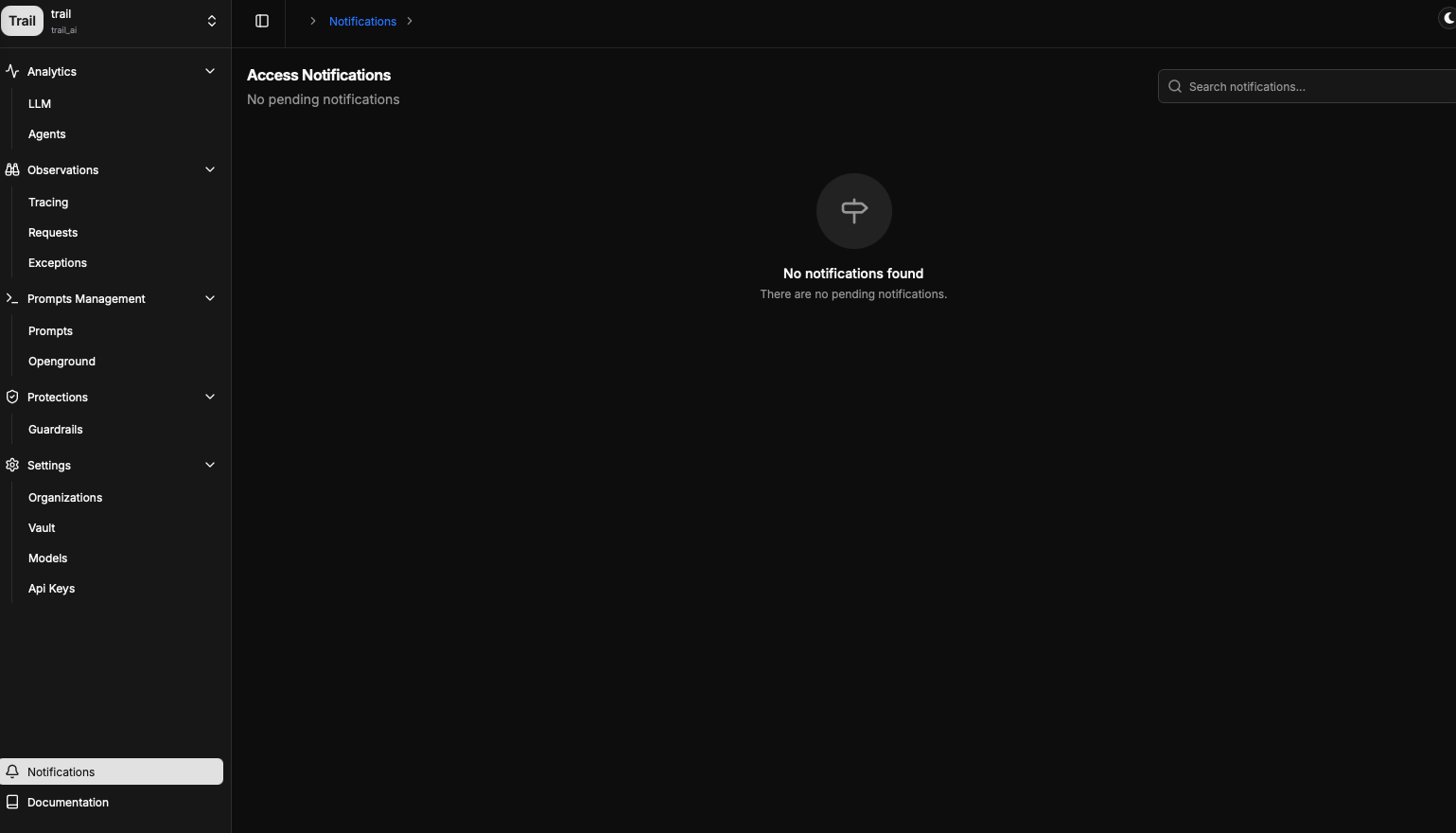
Notifications
Route: Notifications (/notifications) — the bell icon in the lower sidebar.
What generates a notification
| Type | Trigger |
|---|---|
| Quota / usage alerts | Approaching or exceeding your plan's limits |
| Billing | Subscription changes, invoices, payment issues |
| Organization | Invitations, role changes, membership changes |
| System | Platform-level announcements |
Unread notifications are marked in the list and reflected on the sidebar bell. Opening one marks it read.
Quota alerts are the ones to act on. Exceeding your plan's ingestion limit means telemetry stops being accepted — and because the SDK never crashes your application, you find out from this notification, not from your app. Read LLM Analytics to see what's driving the volume, and either narrow what you capture or move up a plan.
Account
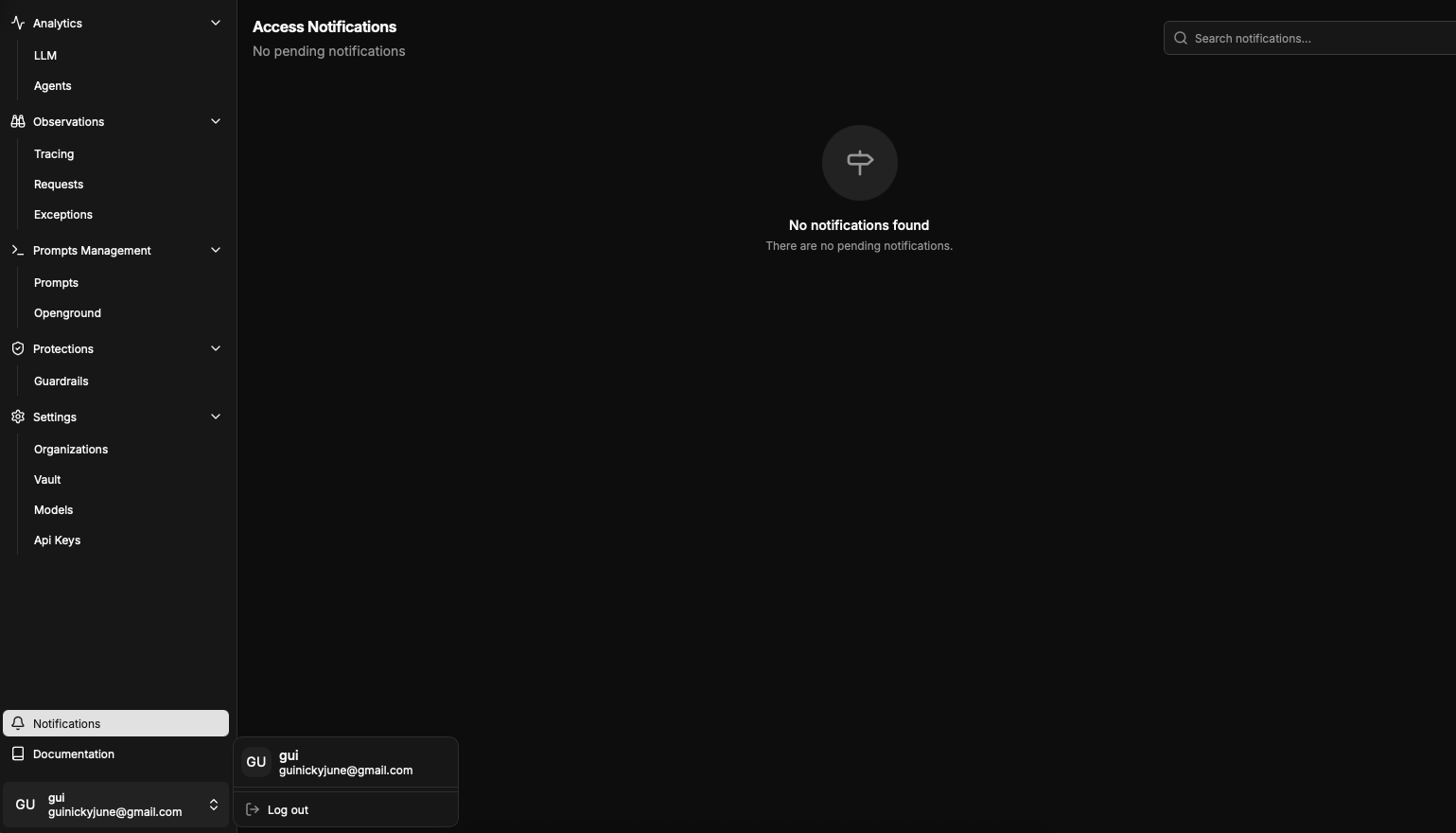
Route: Account (/account) — via the user menu at the bottom of the sidebar.
Profile
| Field | Notes |
|---|---|
| Name | Your display name; appears as "Created By" on prompts, secrets, and models |
| Your login identity and where notifications are sent | |
| Avatar | Shown in the user menu |
Password
Change your password by supplying the current one and a new one.
If you registered with Google, you sign in through Google and have no TrailAI password to change.
Logging out
Log out from the user menu ends the session. Do this on shared machines — the session persists across browser restarts otherwise.
Billing
Billing and subscription live under their own section for organizations that have it enabled.
| Plan | Intended for |
|---|---|
| Hobby | Individual developers, trying TrailAI out |
| Pro | Teams running production workloads |
| Enterprise | Larger deployments with custom terms |
Plan limits govern telemetry ingestion volume and retention. When you approach a limit you'll get a notification; when you exceed it, ingestion is restricted until the next period or an upgrade.
Only organization Admins can change plans or payment details. See Organizations & Members.
Related
- Organizations & Members — organization-level administration
- LLM Analytics — understanding what's consuming your quota