Installation
Requirements
| Requirement | Version |
|---|---|
| Python | 3.10 or newer (3.12.1+ for trailai older than 1.7.0) |
| TrailAI account | With a project and an API key pair |
Check your Python version:
python --version
trailai 1.7.0+ supports Python 3.10–3.13. Earlier releases required 3.12.1+.
Install
pip install trailai
The LLM-as-judge evaluators call OpenAI or Anthropic; install them with the
evals extra:
pip install "trailai[evals]"
Provider libraries you instrument (OpenAI, LangChain, …) are never installed or pinned by the SDK — it instruments whatever versions your application already uses.
⚠️ The package is
trailai, nottrail. The import istrail. A package namedtrailexists on PyPI and is something else entirely — installing it will not work and the error you get won't be obvious.
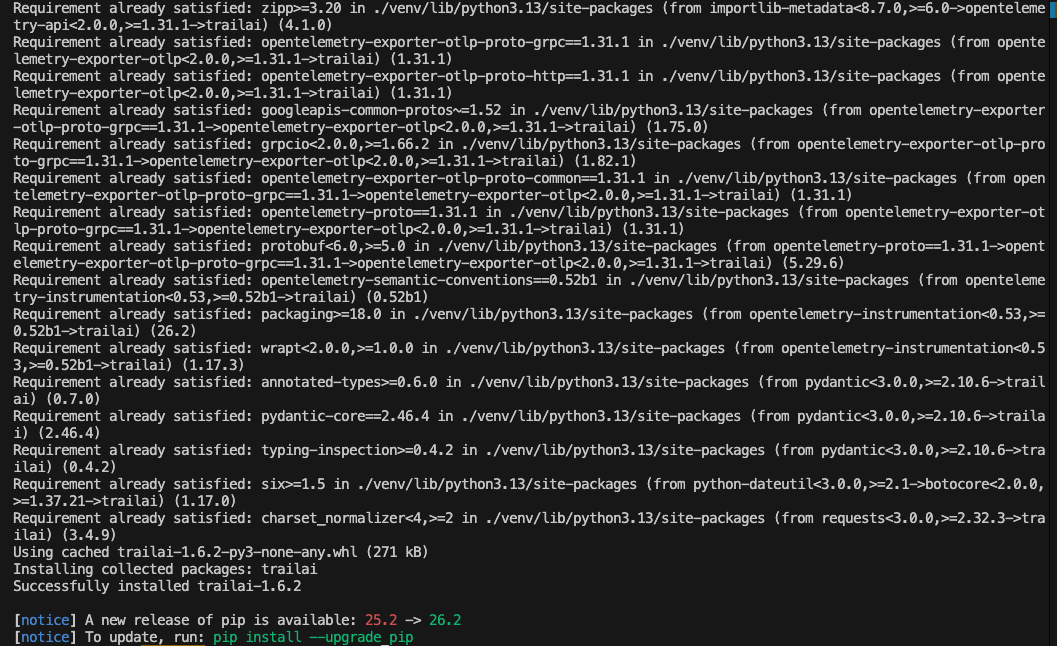
In a virtual environment (recommended)
python -m venv .venv
source .venv/bin/activate        # Windows: .venv\Scripts\activate
pip install trailai
With Poetry
poetry add trailai
Pinning
Pin the version in production so an SDK release can't change your instrumentation unannounced:
trailai==1.6.2
What gets installed
trailai pulls in OpenTelemetry and a small set of runtime dependencies:
| Dependency | Why |
|---|---|
opentelemetry-api, -sdk, -exporter-otlp, -instrumentation |
Tracing, metrics, and OTLP export |
requests |
REST calls for guardrails, prompts, vault |
pydantic |
Data models |
schedule |
Periodic background tasks |
boto3 / botocore |
AWS Bedrock instrumentation |
openai, anthropic |
Judge clients for server-side guardrail checks |
xmltodict |
Parsing for some provider responses |
Auto-instrumentation targets are not installed. The SDK instruments LangChain, CrewAI, Pinecone,
and the rest only if they're already present in your environment. It checks at init() time and
skips anything missing — so a library you don't use costs you nothing.
Verify
python -c "import trail; print('TrailAI SDK imported successfully')"
Then check the version:
pip show trailai
Configure credentials
Create a .env beside your application (and add it to .gitignore first):
TRAIL_URL="https://your-trail-host/api/sdk/v1"
TRAIL_PUBLIC_KEY="pk-trail-xxxxxxxx-xxxx-xxxx-xxxx-xxxxxxxxxxxx"
TRAIL_SECRET_KEY="sk-trail-xxxxxxxx-xxxx-xxxx-xxxx-xxxxxxxxxxxx"
Local TrailAI: TRAIL_URL="http://localhost:4040/api/sdk/v1".
Get the keys from Settings → API Keys in the dashboard — guide.
⚠️ The URL must end in /api/sdk/v1. Prompts, vault, and guardrails build their paths from it and
will 404 otherwise. Details.
Upgrading
pip install --upgrade trailai
After upgrading, verify in a non-production environment that traces still arrive with the shape you expect — instrumentation changes can alter span names and attributes.
Uninstalling
pip uninstall trailai
Remove the trail.init() call from your application as well. Left in place with the package gone,
your app will fail on import.
Next
→ Python Quickstart — your first trace in five minutes.