Vault
Route: Settings → Vault (/settings/vault)
Encrypted storage for API keys and secrets, scoped to a project and retrievable from your application
at runtime. Store a provider key once here instead of in every .env, every CI secret store, and every
container image.
Why use the vault
| Secrets in your environment | Secrets in the vault |
|---|---|
| Duplicated across dev, CI, staging, prod | Stored once |
| Rotating means redeploying everywhere | Rotate in the UI; apps pick it up on next fetch |
| No record of who added what | Created-by and timestamp on every secret |
Sprawls into .env files on laptops |
Fetched into memory at runtime |
| Provider keys aren't available to OpenGround | OpenGround and Models use them directly |
The vault does not replace your platform's secret management for infrastructure credentials. It's for the AI-related secrets TrailAI itself also needs.
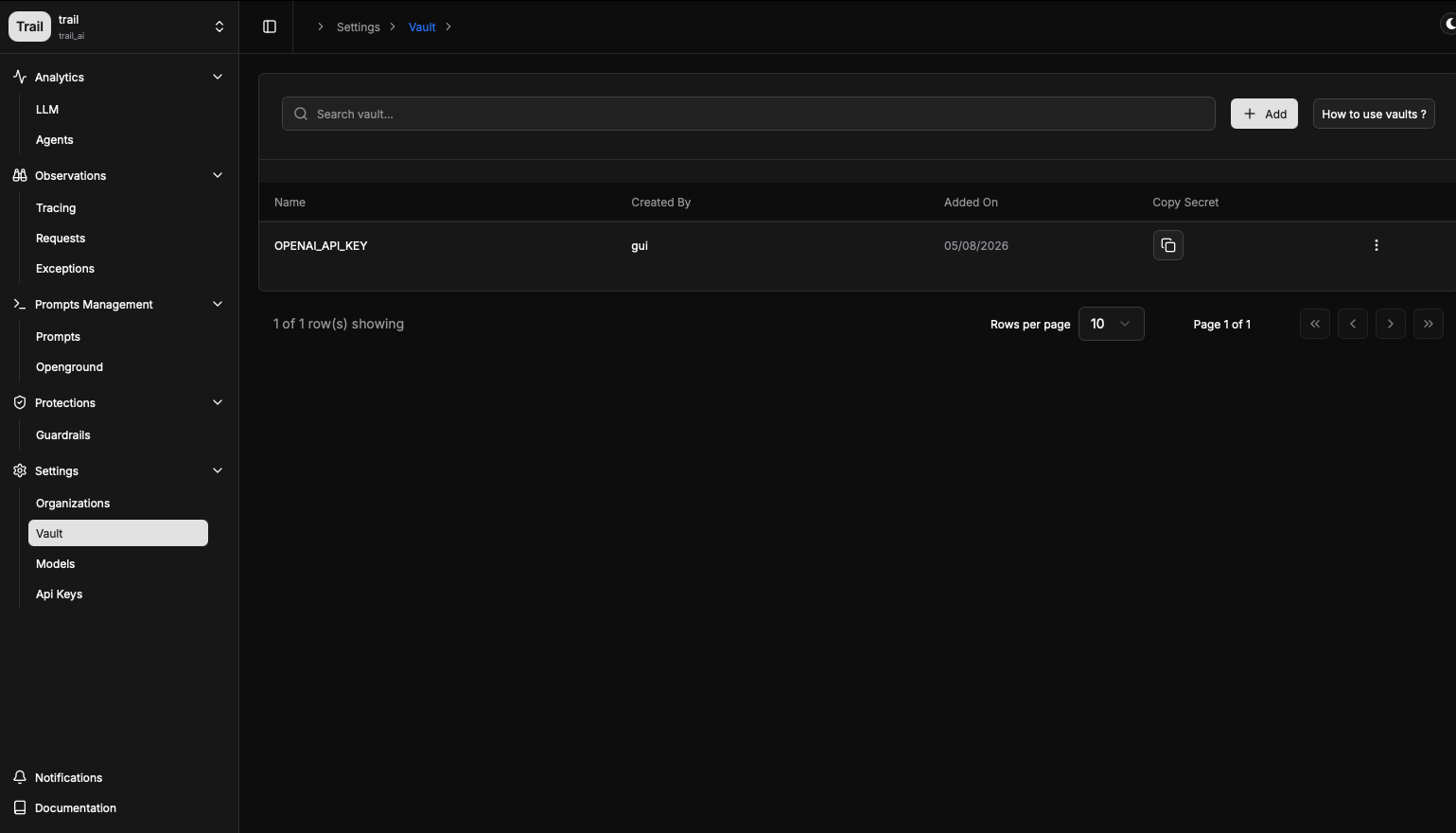
The vault list
| Column | Meaning |
|---|---|
| Name | The key you fetch by. Convention: match the env var name it will populate |
| Created By | Who added it |
| Added On | When |
| Copy Secret | Copies the value to your clipboard |
Search filters live. Vault contents are project-scoped — switching projects shows a different set.
Adding a secret
Click New Secret.
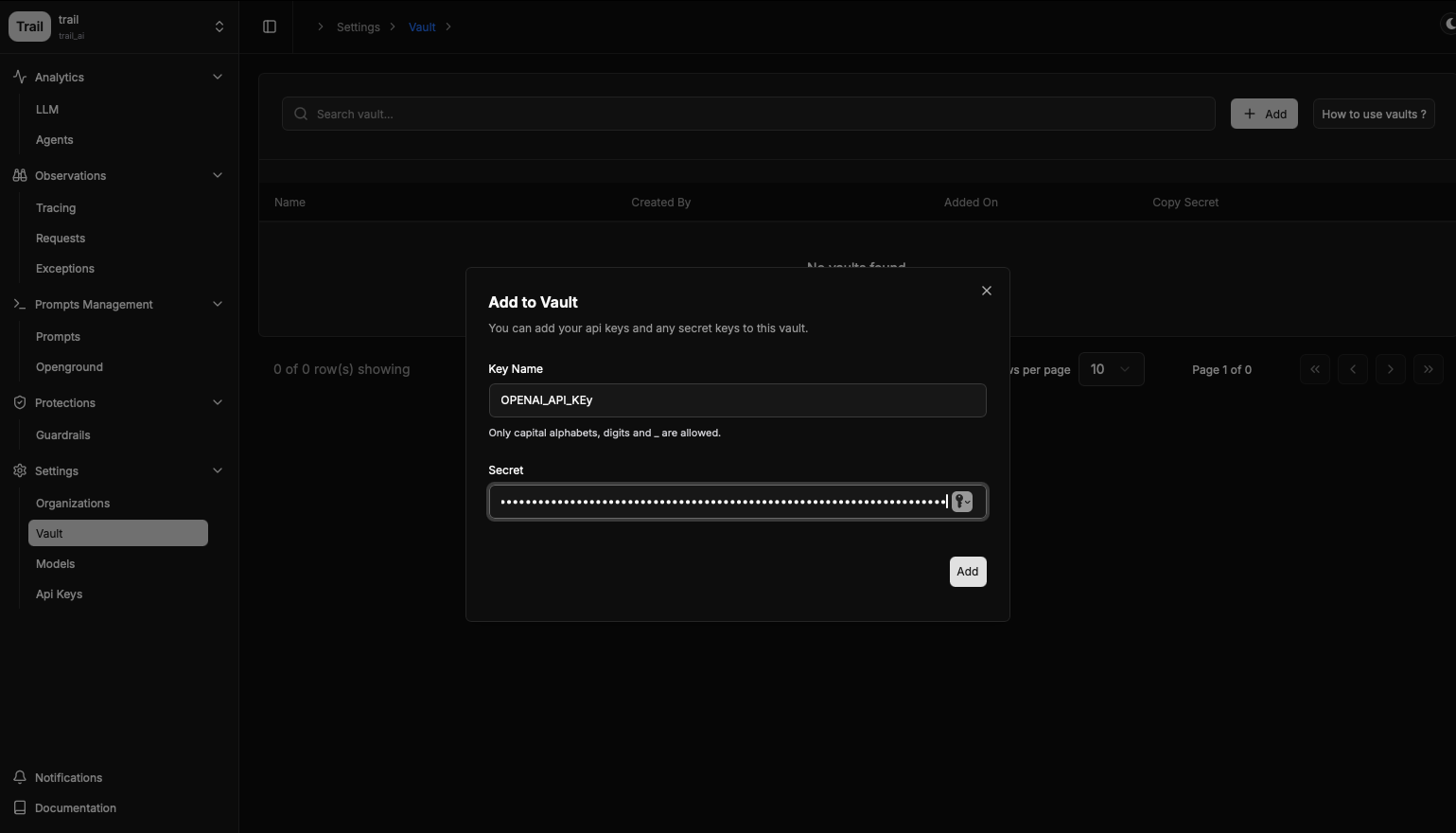
| Field | Notes |
|---|---|
| Name | The retrieval key. Use the target env var name, e.g. OPENAI_API_KEY |
| Value | The secret itself. Stored encrypted |
| Tags | Optional labels for grouping — e.g. provider, production, vector-db |
Naming convention
Name a secret exactly as the environment variable it should become:
trail.get_secrets(key="OPENAI_API_KEY", should_set_env=True)
# os.environ["OPENAI_API_KEY"] is now populated
should_set_env=True writes fetched values straight into os.environ under their vault names. Match
the names and your provider SDKs pick them up with no further wiring.
Tags
Tags let you fetch a group of secrets in one call:
trail.get_secrets(tags=["production"], should_set_env=True)
Useful tag schemes:
- By environment —
production,staging - By purpose —
llm-provider,vector-db,internal-api - By service —
openai,pinecone
Tag consistently from the start; retrofitting tags across dozens of secrets is tedious.
Retrieving secrets
From your application
import trail

trail.init(
    application_name="support-bot",
    environment="production",
    url=TRAIL_URL,
    public_key=TRAIL_PUBLIC_KEY,
    secrect_key=TRAIL_SECRET_KEY,
)

# One secret, into the environment
trail.get_secrets(key="OPENAI_API_KEY", should_set_env=True)

# A tagged group
trail.get_secrets(tags=["llm-provider"], should_set_env=True)

# Read without touching the environment
secrets = trail.get_secrets(key="INTERNAL_API_TOKEN")
Full detail in SDK Vault.
Bootstrap note: fetching secrets requires TrailAI credentials, so
TRAIL_PUBLIC_KEYandTRAIL_SECRET_KEYmust still come from your environment. The vault removes most secrets from your config, not all of them.
From the dashboard
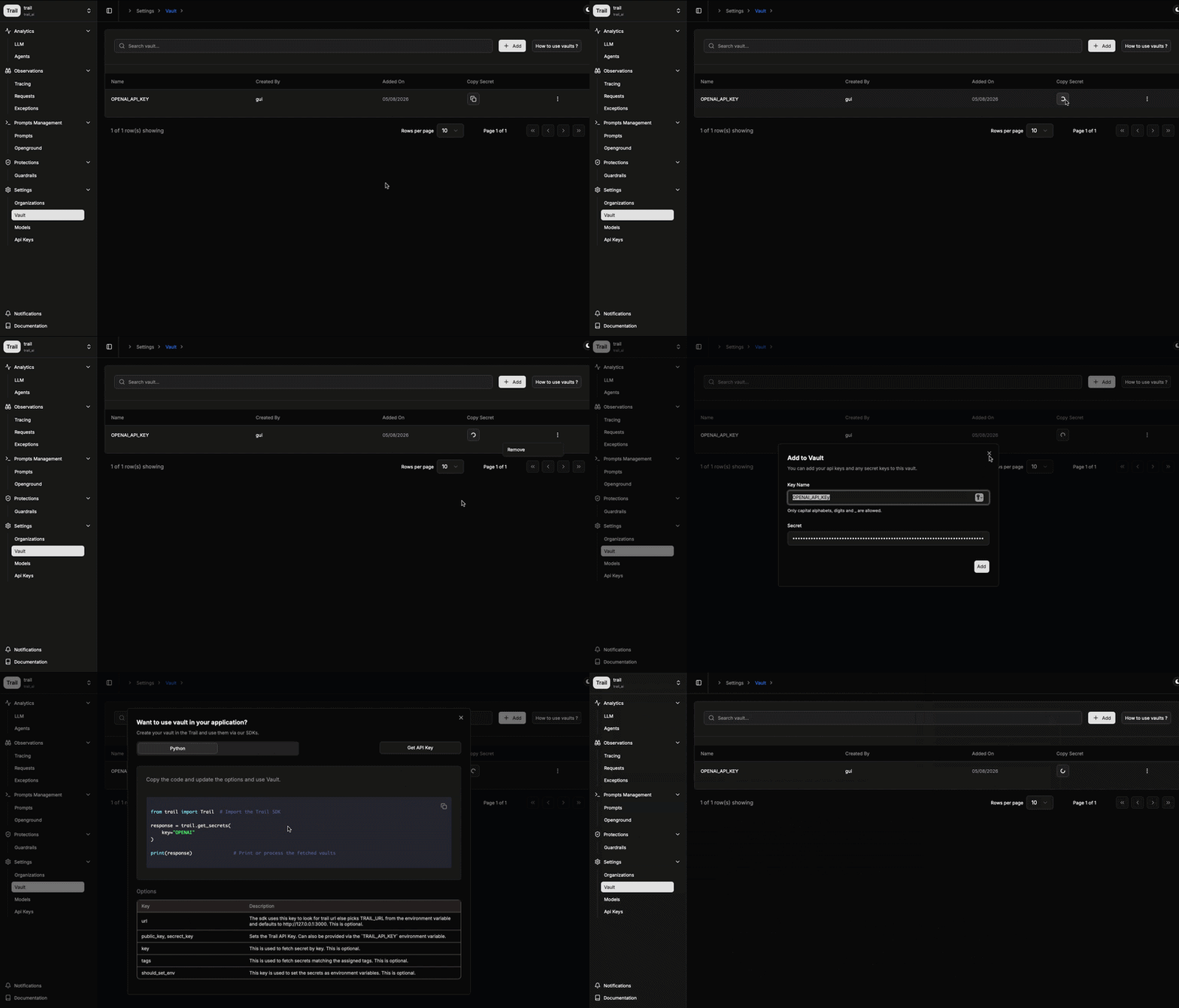
Use the Copy Secret action to put a value on your clipboard — for local development, or to paste into a tool that can't fetch from the vault.
Rotating a secret
- Generate the new credential at the provider.
- Update the value in TrailAI's vault (same name).
- Restart your applications, or wait for their next fetch.
- Revoke the old credential at the provider.
Applications fetch at startup, so rotation takes effect on the next restart unless your code refetches periodically. If you need zero-downtime rotation, refetch on a schedule:
import schedule

def refresh_secrets():
    trail.get_secrets(tags=["llm-provider"], should_set_env=True)

schedule.every(30).minutes.do(refresh_secrets)
Deleting a secret
Delete removes it permanently. Any application still fetching it will get nothing back — and if it was setting an environment variable your provider client depends on, that client will fail to authenticate.
Before deleting: remove the fetch from your code, deploy, wait a release cycle, then delete.
Security notes
- Encrypted at rest. Values are stored encrypted, not in plaintext.
- Project-scoped. A project's API key can only read that project's vault.
- Access follows project access. Anyone who can see the project can read its vault.
- Never screenshot a secret value. See the redaction checklist in assets/index.md.
- The vault is not an HSM. For regulated workloads requiring hardware-backed key custody, use a dedicated KMS and keep only non-critical secrets here.
What belongs in the vault
Good candidates:
- LLM provider API keys (OpenAI, Anthropic, Cohere, …) — especially since OpenGround and Models need them
- Vector database credentials (Pinecone, Qdrant, Milvus, …)
- Internal API tokens your AI application calls
Keep elsewhere:
- Database root credentials and infrastructure secrets — your platform's secret manager
- TrailAI's own API keys — chicken-and-egg
- User passwords or personal data — not what this is for
Related
- SDK Vault — the
get_secrets()API - Settings → Models — binding a model to a vault key
- OpenGround — consumes vault-stored provider keys