OpenGround — Multi-Provider Playground
Route: Prompts Management → Openground (/prompt-management/openground)
Send one prompt to several AI providers at once and compare their responses, latency, and cost side by side. The fastest way to answer "which model should we actually use?"
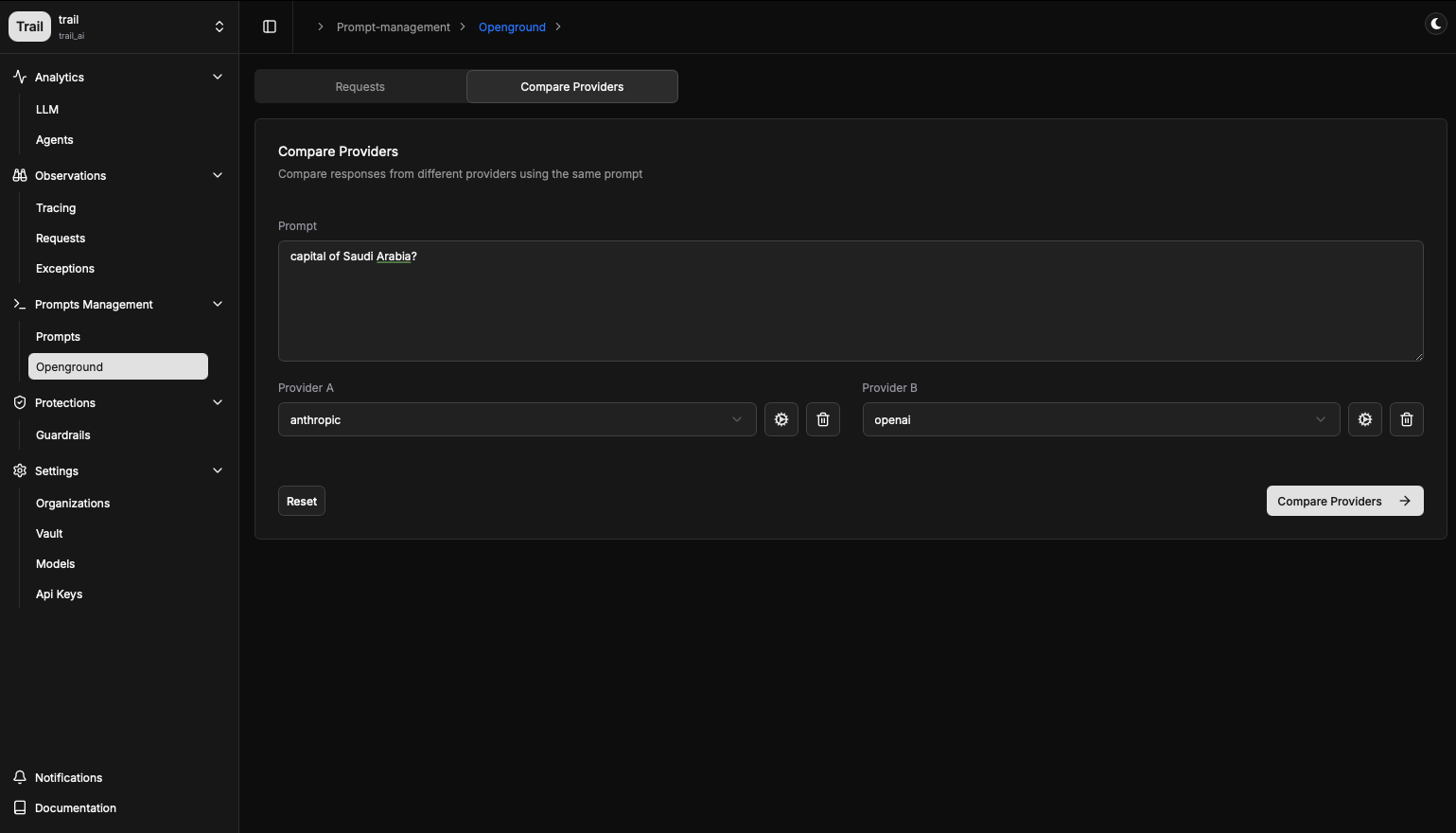
Supported providers
| Provider | Typical models |
|---|---|
| OpenAI | GPT-4o, GPT-4o mini, GPT-4 Turbo, … |
| Anthropic | Claude family |
| Cohere | Command family |
| Mistral | Mistral / Mixtral family |
| Google Gemini | Gemini family |
| Grok | Grok family |
| LLaMA | Hosted LLaMA endpoints |
| DeepSeek | DeepSeek family |
Which models appear depends on what's registered in Settings → Models.
Before you start
OpenGround calls providers directly, from the TrailAI server, on your behalf. That needs credentials:
- Store each provider key in the Vault.
- Register the models you want in Settings → Models, binding each to its vault key.
Without this, providers appear but every request fails with an authentication error.
This is the one place TrailAI talks to a model provider itself. Everywhere else, your application makes the call and TrailAI observes it.
Running a comparison
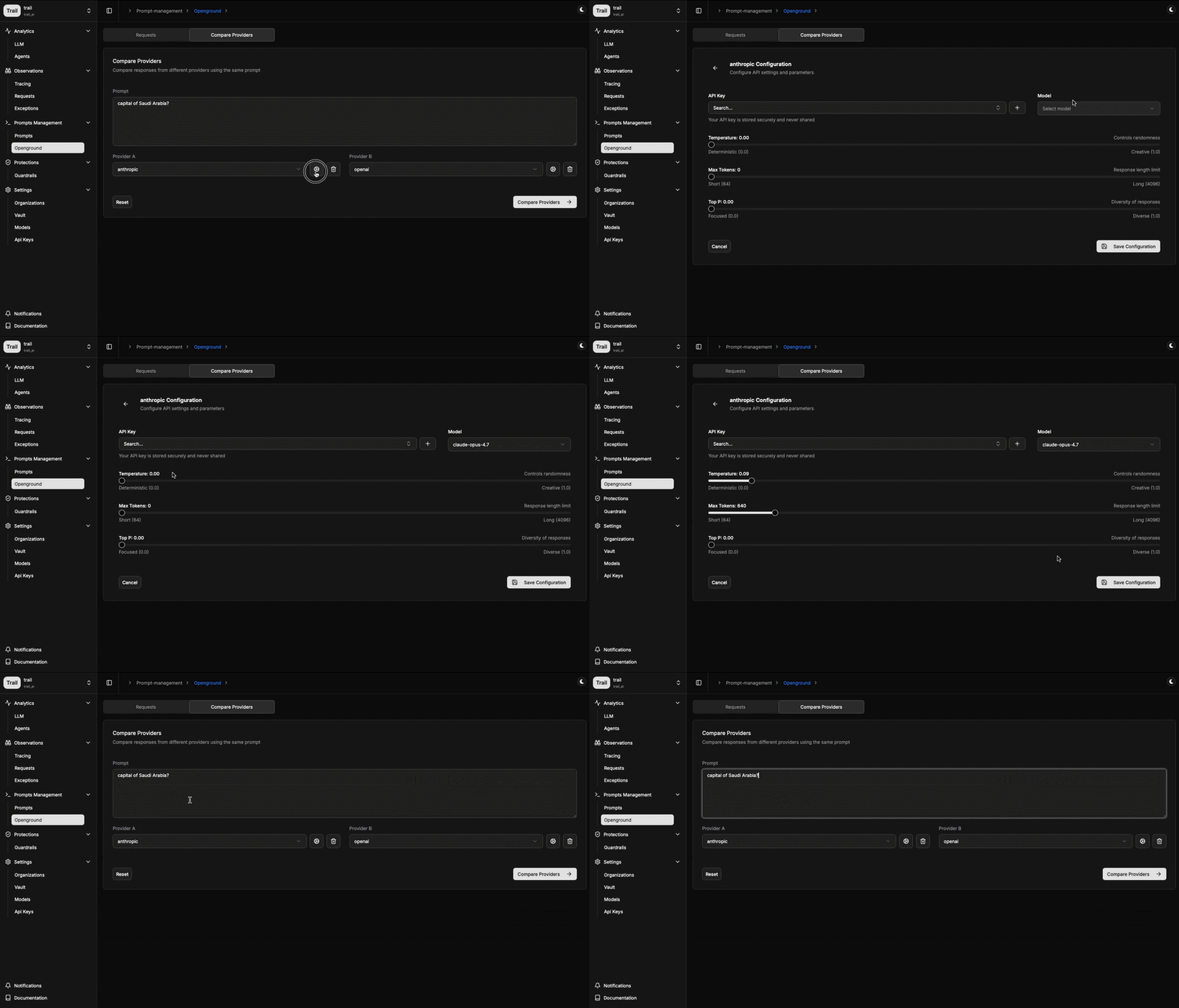
1. Select providers
Add as many as you want to compare. Two or three is the sweet spot — beyond that the columns get cramped and the responses harder to read side by side.
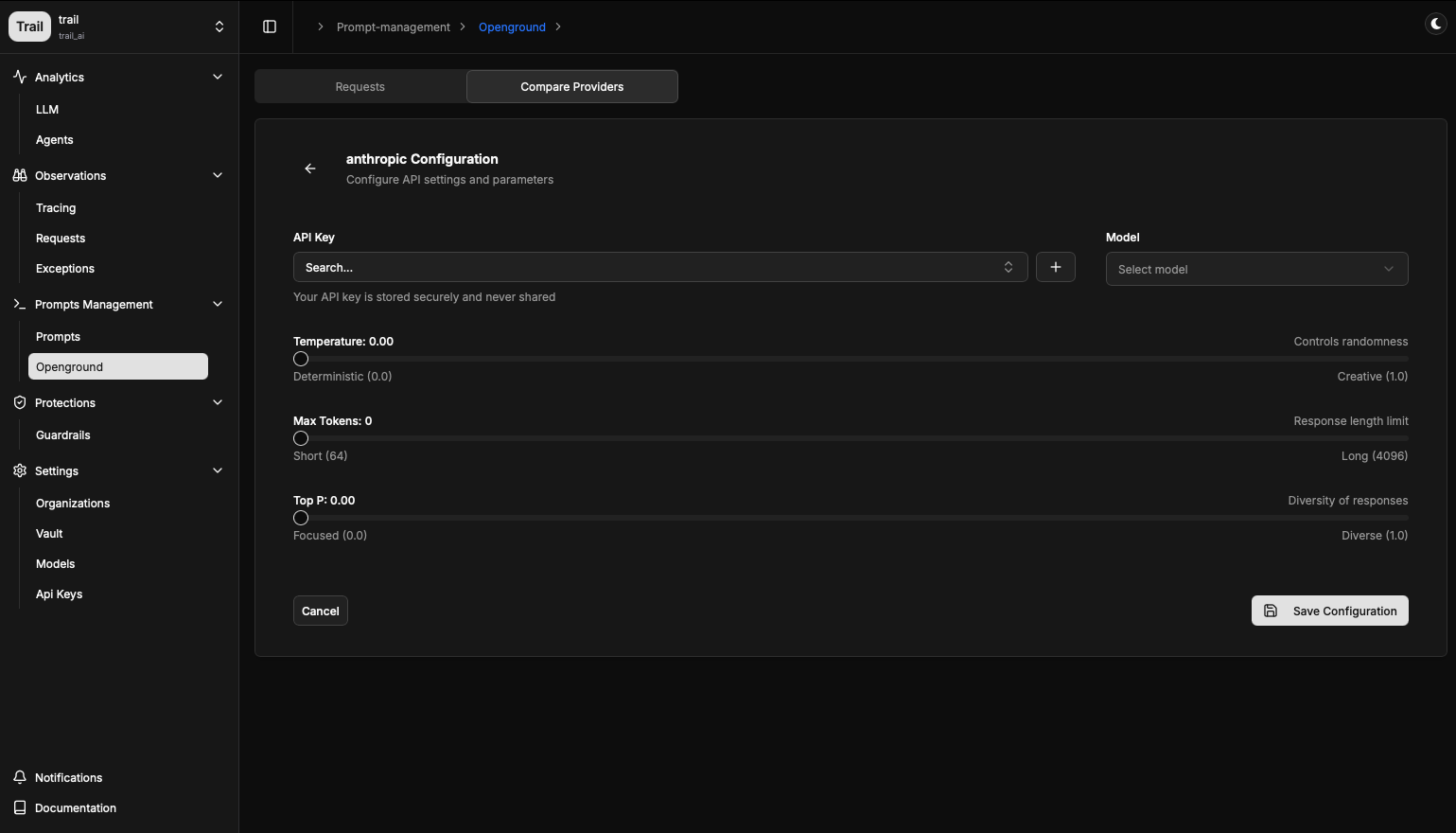
2. Configure each provider
Every provider gets its own settings:
| Setting | Effect |
|---|---|
| Model | Which model from that provider |
| Temperature | Randomness. 0 for deterministic comparison; higher to see stylistic range |
| Max tokens | Response cap — also caps your comparison cost |
| Top-p | Nucleus sampling |
| Other provider-specific settings | Vary by provider |
Set temperature to 0 across all providers when comparing capability. Otherwise you're partly comparing luck, and a rerun may reverse your conclusion.
3. Enter the prompt
Type the prompt to send. All selected providers receive the same text — that's the point.
4. Run
Requests fire in parallel; responses stream into their columns as they arrive.
Reading the results
Each column shows:
| Field | What to judge |
|---|---|
| Response | Correctness, format adherence, tone, verbosity |
| Latency | Time to complete. Matters enormously for interactive apps |
| Tokens | Prompt and completion counts. Verbose models cost more per answer |
| Cost | Computed cost for this single call |
Judge in this order:
- Correctness first. A cheap wrong answer is worthless.
- Format adherence. If you need JSON, does it reliably produce valid JSON?
- Latency, if the call is user-facing.
- Cost, once several models are acceptable on the above.
Beware the common trap: the model with the longest answer often reads as the best, but for structured or extractive tasks it's usually the worst — more tokens, more cost, more to parse, more room to hallucinate.
Saved comparisons
Comparisons are saved and can be reopened from the OpenGround list. Use them to:
- Share a model-choice decision with your team, with the evidence attached.
- Re-run the same prompt after a provider ships a new model version.
- Keep a record of why a model was chosen, for when someone asks in six months.
Delete a saved comparison from its row when it's no longer useful.
Practical workflows
Choosing a model for a new feature
- Write 5–10 prompts representative of real traffic, including the awkward cases.
- Run each across your candidate providers at temperature 0.
- Score correctness yourself; note format failures.
- Compare cost and latency among the models that passed.
- Register the winner in Settings → Models and use it in your app.
Validating a prompt change
- Run the current production prompt through OpenGround.
- Run the proposed revision through the same providers.
- Compare output quality and token counts — a rewrite that improves answers while adding 400 prompt tokens per call may not be worth it at volume.
- Publish the new version and move the label only if the trade holds up.
Evaluating a cheaper model
- Take real prompts from Tracing — actual traffic, not invented examples.
- Run them against your current model and the cheaper candidate.
- If quality holds on real prompts, the saving is real. If it only holds on invented ones, it isn't.
Limitations
- Not a load test. OpenGround runs single requests interactively. For load, use
tools/loadgen. - Real API calls, real money. Every run bills your provider accounts. Keep max tokens modest.
- No automatic scoring. OpenGround shows responses; you judge them. For automated scoring, see
- Comparisons don't appear in LLM Analytics. They aren't application traffic.
Related
- Settings → Models — registering models and binding keys
- Vault — storing provider credentials
- Prompt Management — versioning the prompts you test here