Python Quickstart
Zero to a trace in the dashboard, in five minutes.
Before you start
- Python 3.10+
-
pip install trailai→ Installation - A TrailAI project and API key pair → API Keys
- An OpenAI API key (or another supported provider)
1. Credentials
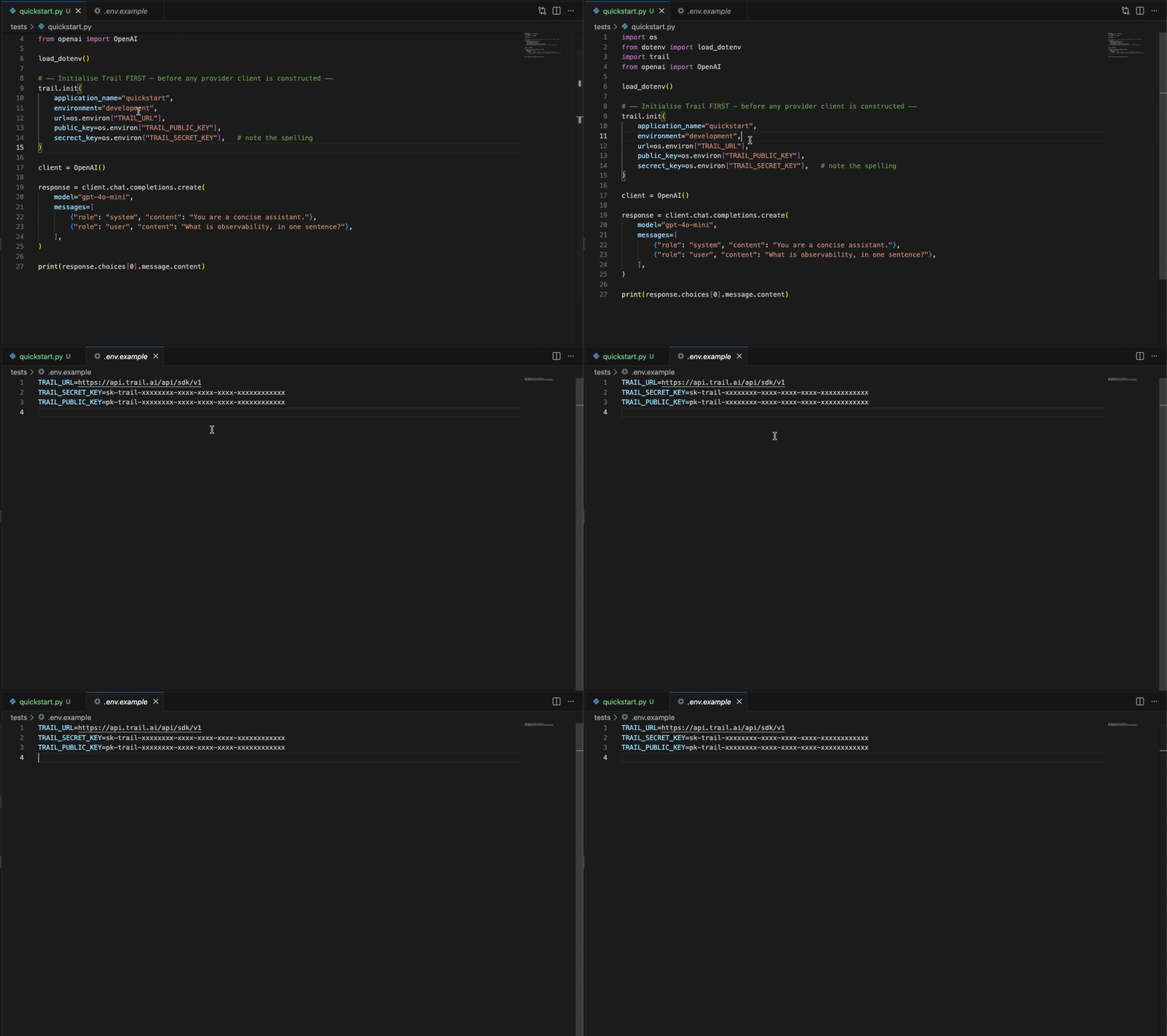
.env (in .gitignore):
TRAIL_URL="https://your-trail-host/api/sdk/v1"
TRAIL_PUBLIC_KEY="pk-trail-xxxxxxxx-xxxx-xxxx-xxxx-xxxxxxxxxxxx"
TRAIL_SECRET_KEY="sk-trail-xxxxxxxx-xxxx-xxxx-xxxx-xxxxxxxxxxxx"

OPENAI_API_KEY="sk-..."
2. The script
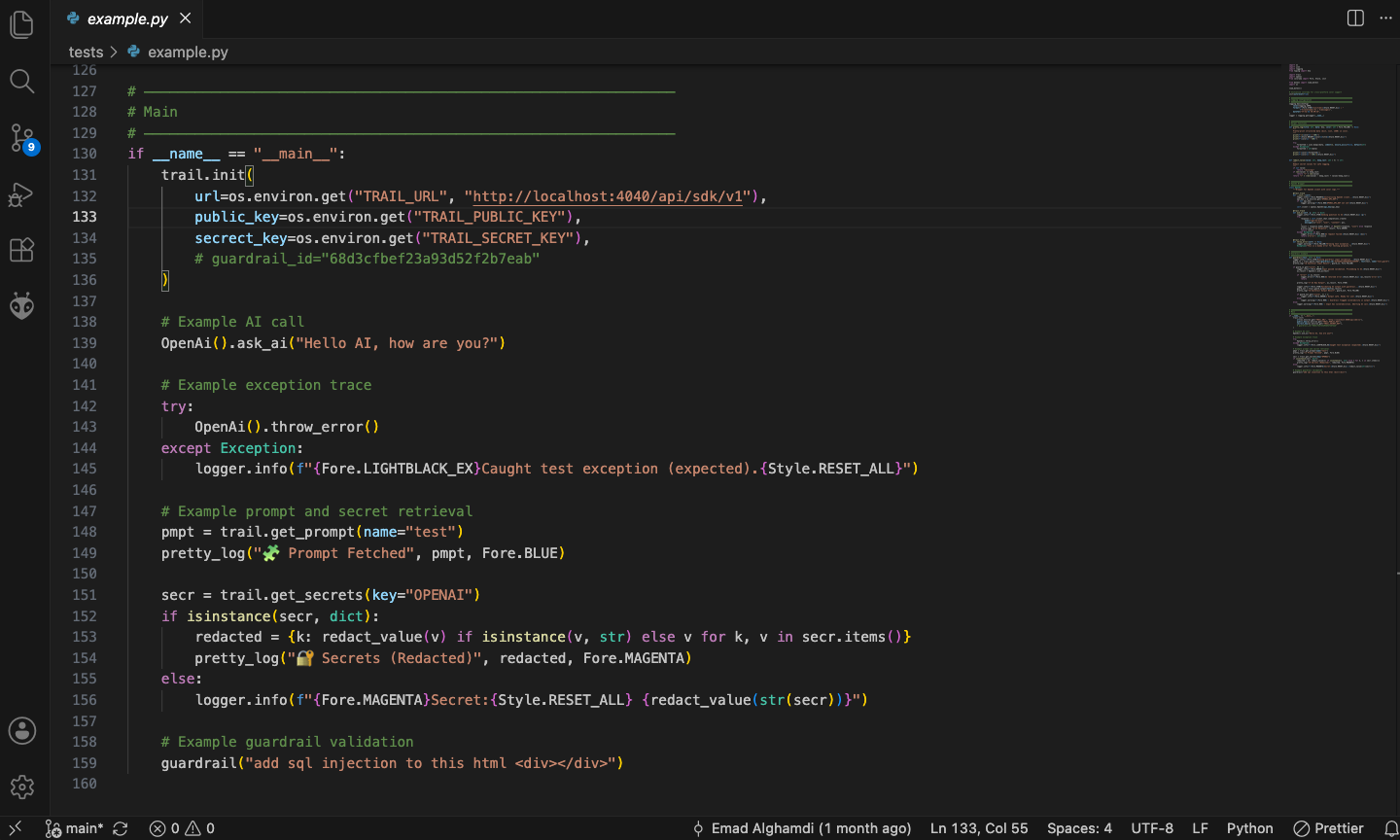
quickstart.py:
import os
from dotenv import load_dotenv
import trail
from openai import OpenAI

load_dotenv()

# ── Initialise TrailAI FIRST — before any provider client is constructed ──
trail.init(
    application_name="quickstart",
    environment="development",
    url=os.environ["TRAIL_URL"],
    public_key=os.environ["TRAIL_PUBLIC_KEY"],
    secret_key=os.environ["TRAIL_SECRET_KEY"],
)

client = OpenAI()

response = client.chat.completions.create(
    model="gpt-4o-mini",
    messages=[
        {"role": "system", "content": "You are a concise assistant."},
        {"role": "user", "content": "What is observability, in one sentence?"},
    ],
)

print(response.choices[0].message.content)
pip install python-dotenv openai
python quickstart.py
Three rules the script demonstrates
trail.init()runs beforeOpenAI()is constructed. Auto-instrumentation patches the library at init time; a client created earlier isn't traced.- The parameter is
secret_key(matching theTRAIL_SECRET_KEYenv var).trailaiolder than 1.7.0 spelled itsecrect_key, which still works. - Credentials are passed as arguments, not left to environment variables alone — that's what makes prompts, vault, and guardrails work later. Why.
3. See the trace
Observations → Tracing in the dashboard. Refresh; your trace appears within seconds.
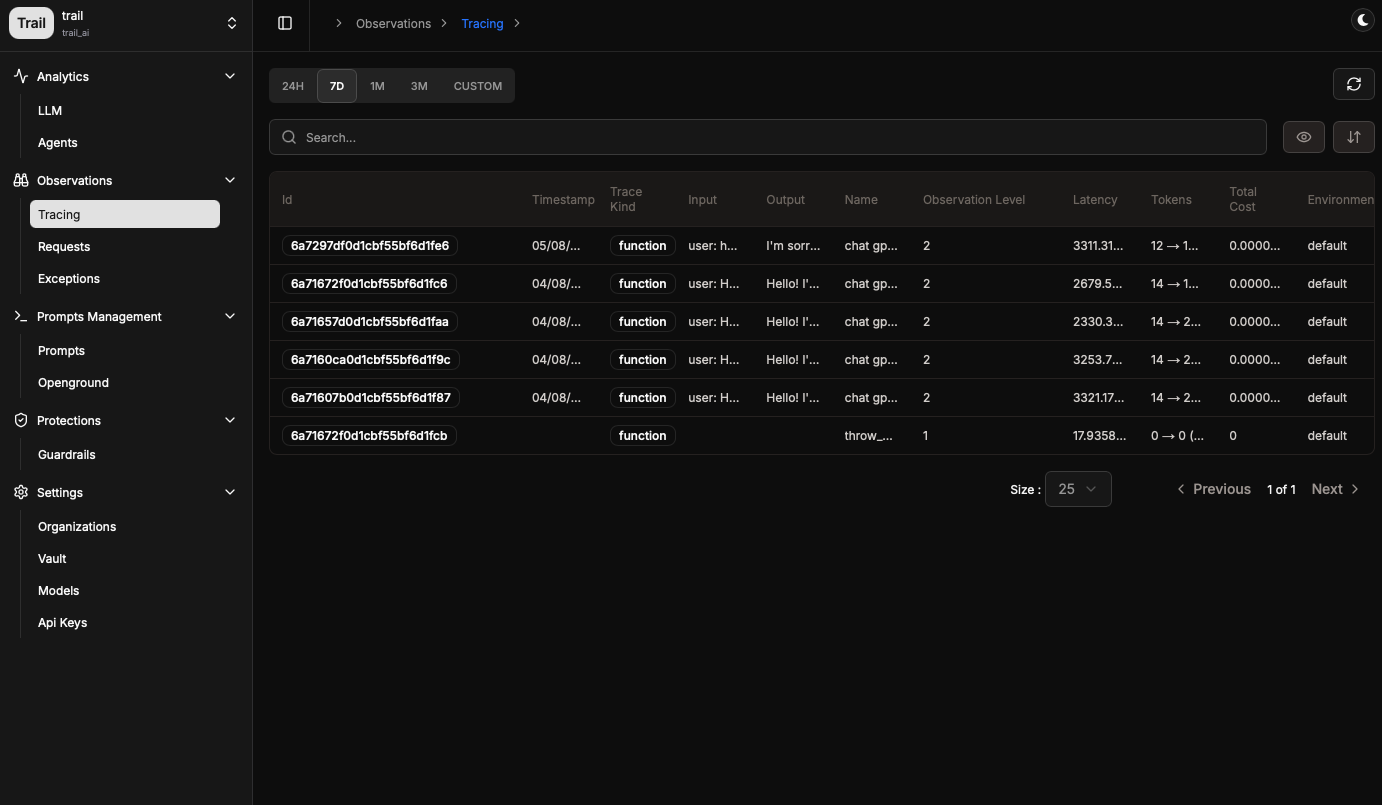
TrailAI captured, without you writing any tracing code: the model, the full prompt and completion, prompt/completion/total tokens, latency, and computed cost.
Nothing there? → Troubleshooting.
4. Trace your own code
Auto-instrumentation sees provider calls. It can't see your logic. Add spans with @trail.trace:
import trail

@trail.trace(role="tool")
def search_knowledge_base(query: str) -> str:
    # your retrieval logic
    return "…retrieved context…"

@trail.trace(role="agent")
def answer_question(question: str) -> str:
    context = search_knowledge_base(question)
    response = client.chat.completions.create(
        model="gpt-4o-mini",
        messages=[
            {"role": "system", "content": f"Answer using: {context}"},
            {"role": "user", "content": question},
        ],
    )
    return response.choices[0].message.content

print(answer_question("What is our refund policy?"))
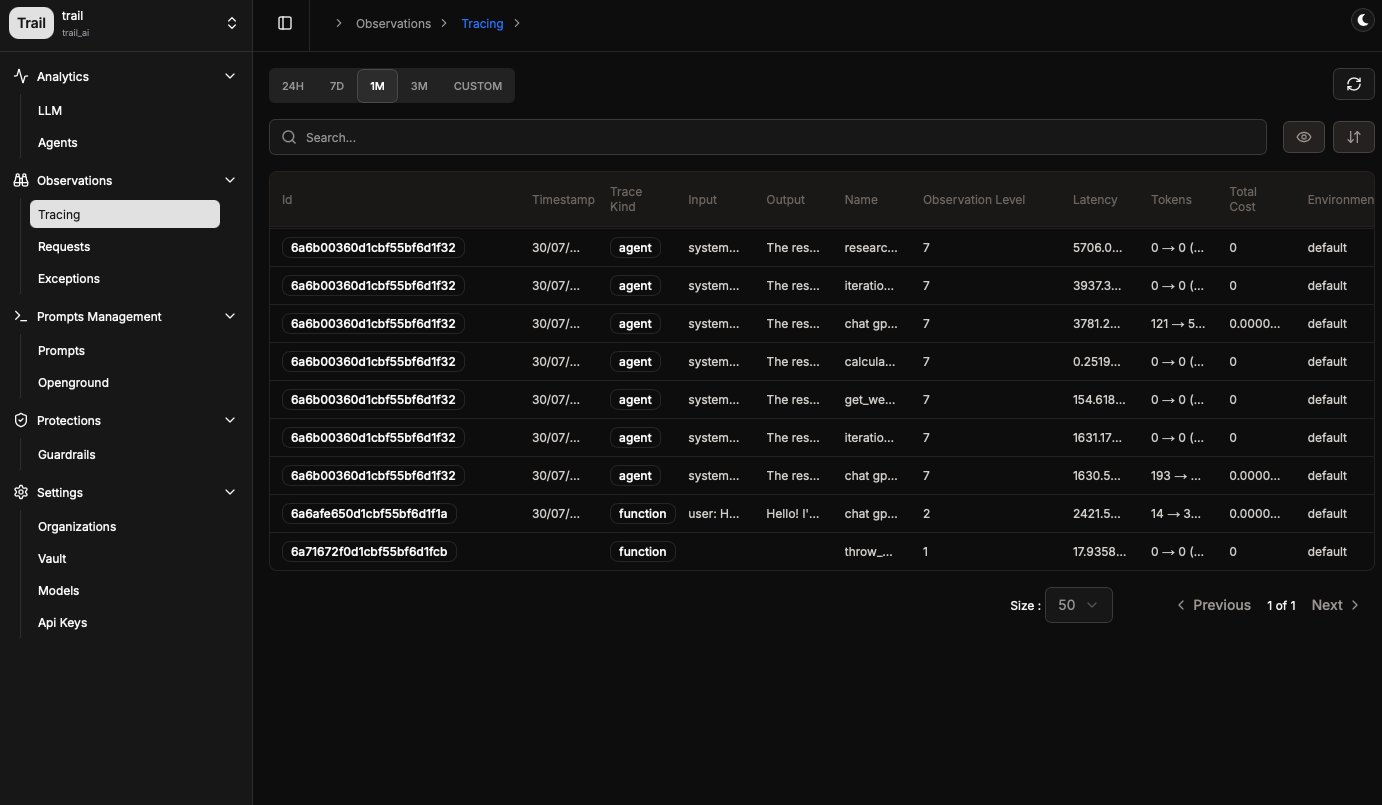
You now get a proper tree:
answer_question              (agent)
├── search_knowledge_base    (tool)
└── openai.chat.completion   (llm, automatic)
And because the roles map to OpenTelemetry gen_ai.* attributes, this run also appears in
Agent Analytics.
More in Manual Tracing.
5. Add a guardrail
result = trail.guard.input(question, user_id="user-123")

if result["verdict"] == "yes":
    print(f"Blocked: {result['explanation']}")
else:
    print(answer_question(question))
verdict: "yes" means the guard fired — block it. Configure guardrails in the dashboard first:
Guardrails, then SDK Guardrails.
6. Fetch a prompt instead of hard-coding one
prompt = trail.get_prompt(name="support-answer", label="production")

if prompt is None:            # get_prompt returns None on failure — always handle it
    messages = [{"role": "system", "content": "You are a helpful assistant."}]
else:
    messages = prompt["messages"]
Now the prompt is editable in the dashboard without a deploy. Prompt Management, SDK Prompts.
A complete small application
import os
from dotenv import load_dotenv
import trail
from openai import OpenAI

load_dotenv()

trail.init(
    application_name="support-bot",
    environment=os.getenv("APP_ENV", "development"),
    url=os.environ["TRAIL_URL"],
    public_key=os.environ["TRAIL_PUBLIC_KEY"],
    secret_key=os.environ["TRAIL_SECRET_KEY"],
)

client = OpenAI()

@trail.trace(role="tool")
def retrieve_context(question: str) -> str:
    return "Refunds are available within 30 days of purchase."

@trail.trace(role="agent")
def support_agent(question: str, user_id: str) -> str:
    guard = trail.guard.input(question, user_id=user_id, name="support-input")

    if guard["guard"] == "guardrail_unavailable":
        return "Sorry — we're having trouble right now. Please try again shortly."
    if guard["verdict"] == "yes":
        return "I can't help with that request."

    context = retrieve_context(question)

    response = client.chat.completions.create(
        model="gpt-4o-mini",
        messages=[
            {"role": "system", "content": f"You are a support agent. Context: {context}"},
            {"role": "user", "content": question},
        ],
    )
    answer = response.choices[0].message.content

    if trail.guard.output(answer)["verdict"] == "yes":
        return "I'm not able to provide that response."

    return answer

if __name__ == "__main__":
    print(support_agent("How do I get a refund?", user_id="user-123"))
Every run of this produces a trace with the agent, its tool, and its LLM call — plus guardrail checks logged on both input and output.
Next
| Goal | Guide |
|---|---|
| Every configuration option | Configuration |
| Which libraries are auto-instrumented | Auto-Instrumentation |
| Deeper manual tracing | Manual Tracing |
| Something's wrong | Troubleshooting |