Organizations, Projects & Members
Route: Settings → Organizations (/settings/organizations)
Where you manage tenancy: organizations, the projects inside them, and the people with access.
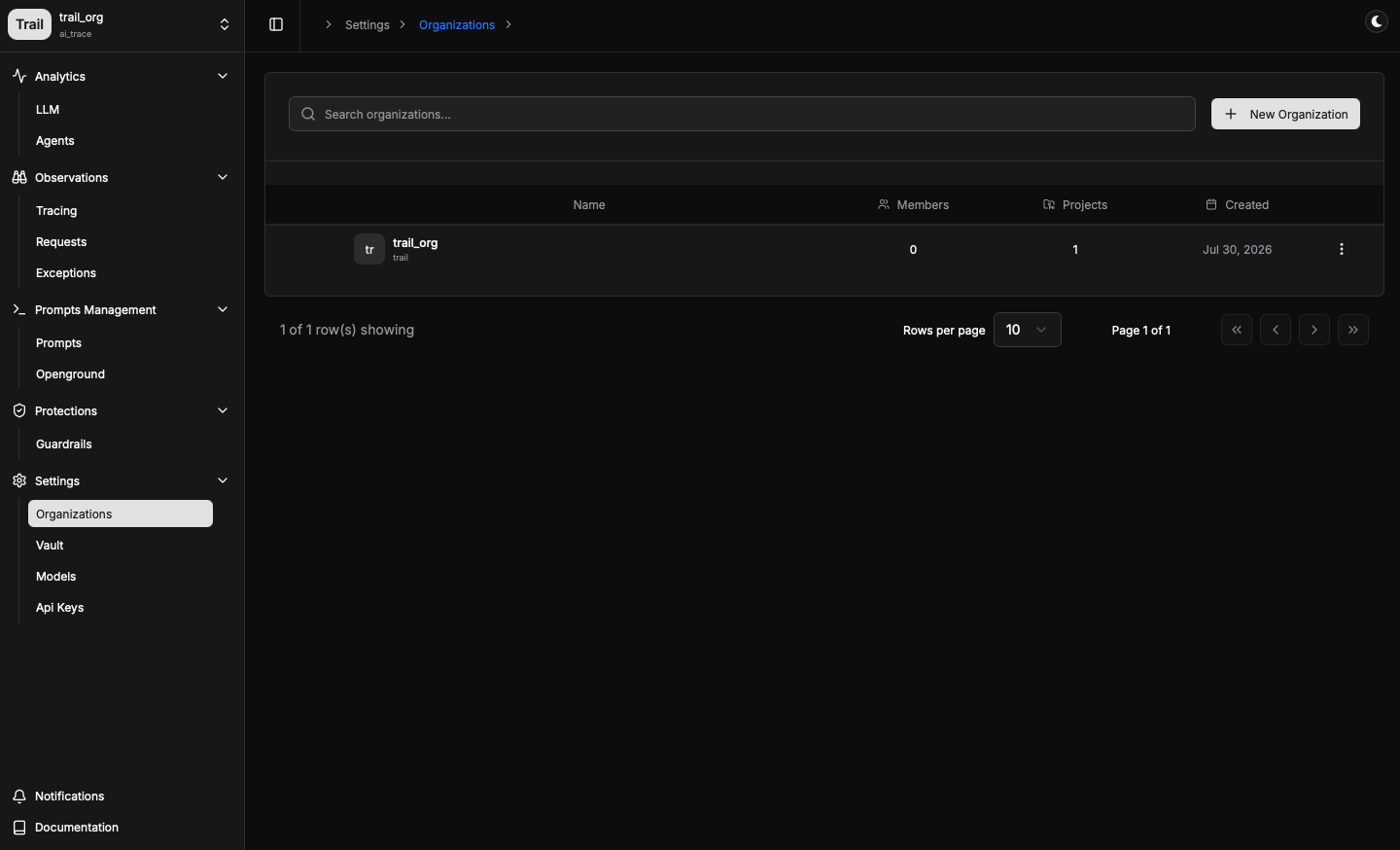
The model
Organization (billing boundary, owns members)
    └── Project (data boundary — telemetry, prompts, guardrails, vault, keys)
- Members belong to organizations. Project access is then granted per member.
- Data belongs to projects. Nothing crosses a project boundary.
- You can belong to several organizations and switch between them with the project switcher.
Organizations
Creating one
New Organization → name and optional description. You become its owner.
Most teams need exactly one. Create additional organizations when you need a genuine separation — separate billing, a client engagement, or a subsidiary with its own team.
Organization details
Click an organization to see and edit its name and description, and to view its projects and members.
Transferring ownership
Ownership moves to another member of the organization. Do this before someone leaves the company — recovering an orphaned organization is far harder than transferring one.
Deleting an organization
Deleting removes the organization, all its projects, and all their data: traces, prompts, guardrails, vault secrets, API keys. It cannot be undone.
Deletion may take a while on organizations with substantial telemetry — the button stays in a loading state while the server works through the cascade. Give it time before assuming it's stuck.
Before deleting:
- Export anything you need.
- Confirm no application is still sending data to its projects.
- Revoke API keys first, so nothing writes during deletion.
Projects
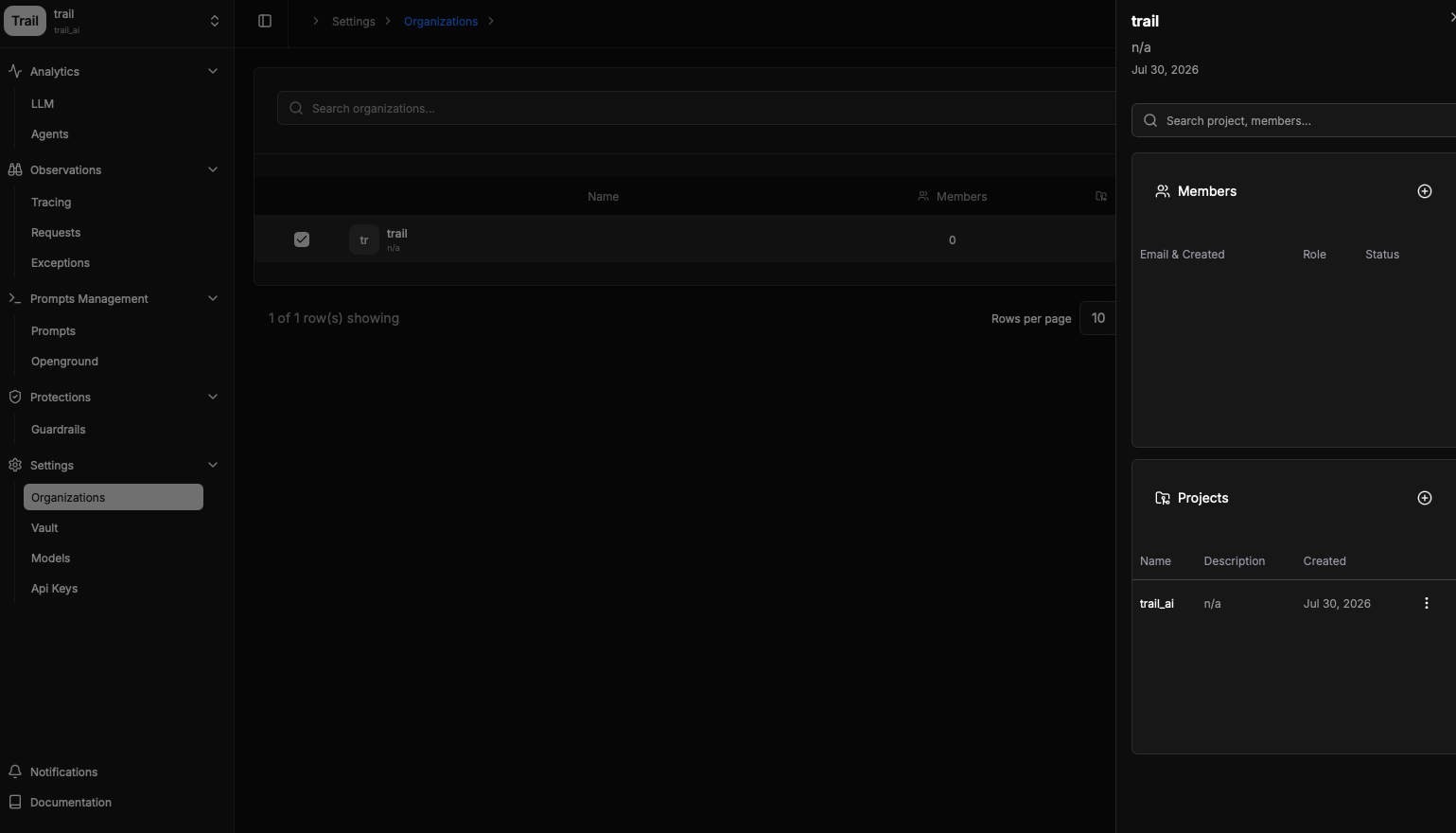
Creating a project
New Project inside an organization → name and optional description.
One project per application. Use the SDK's environment field to separate production from
staging, rather than creating separate projects — you keep the ability to compare environments on one
chart, and you manage one set of prompts and guardrails instead of three.
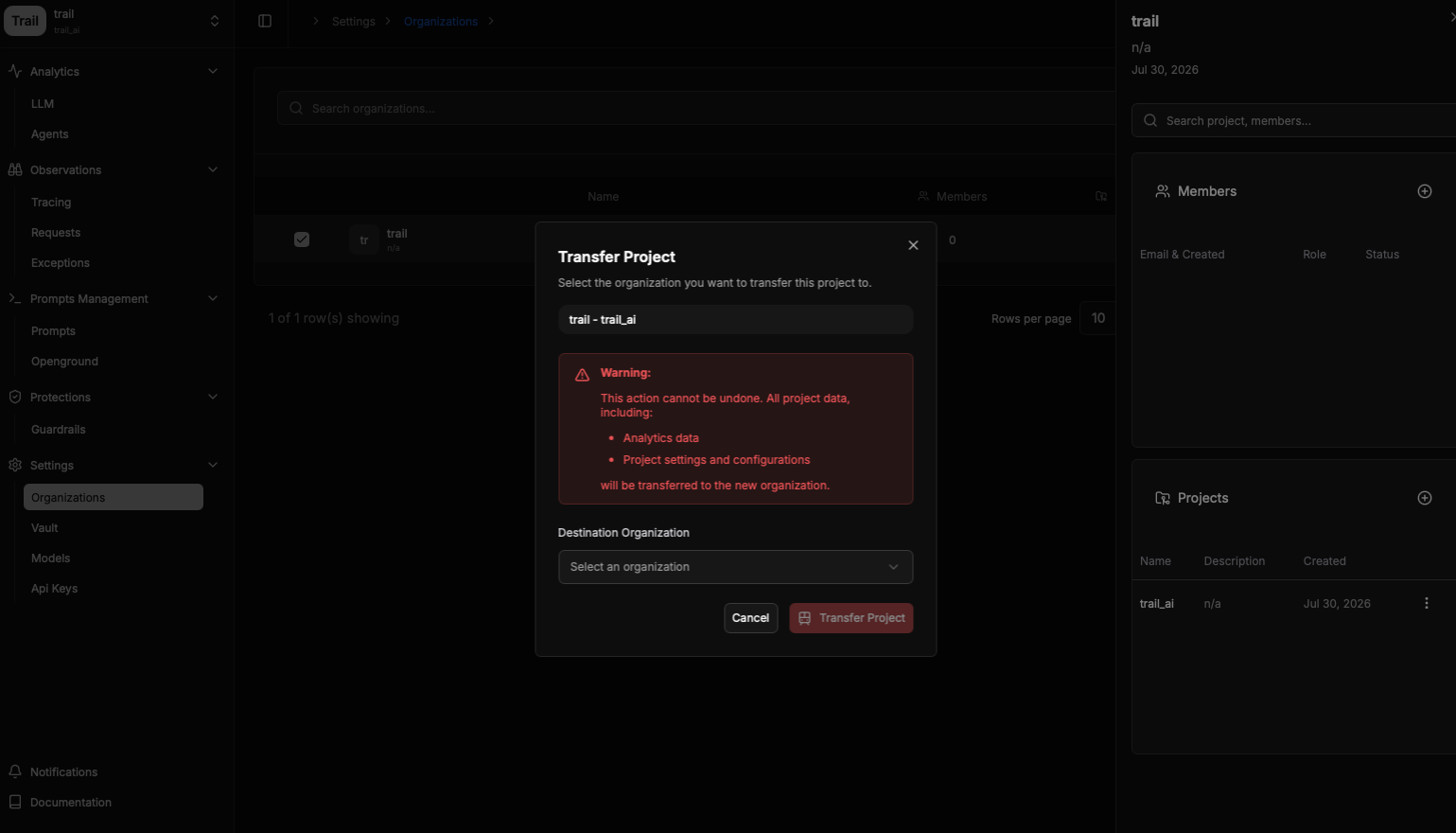
Transferring a project
A project can move to another organization you own. Its data moves with it. Useful when reorganising teams, or when a project outgrows a shared organization.
Deleting a project
Removes the project and everything scoped to it — traces, prompts, guardrails, vault secrets, API keys. Irreversible.
Revoke the project's API keys first so no application is writing while it's deleted.
Members
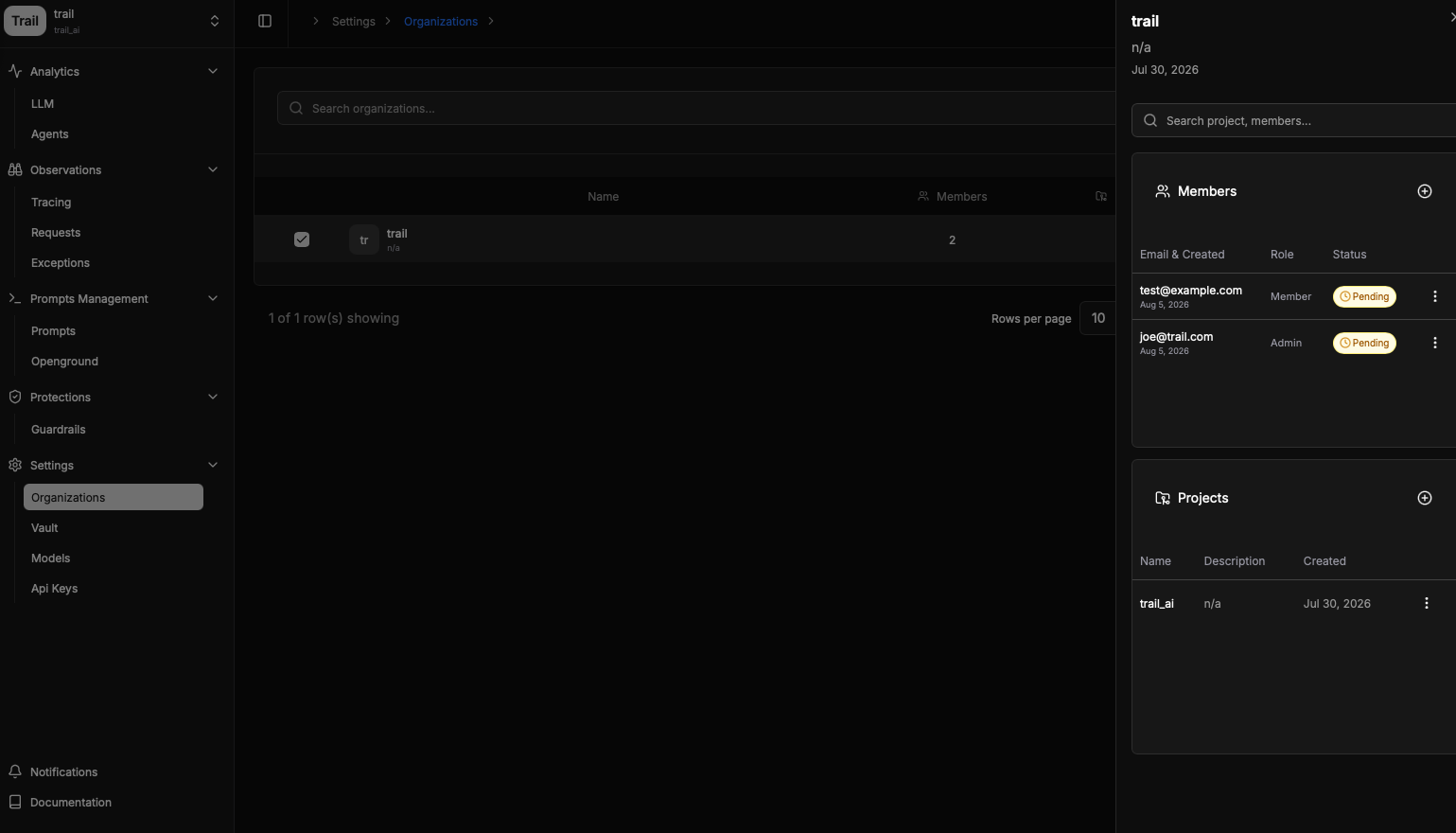
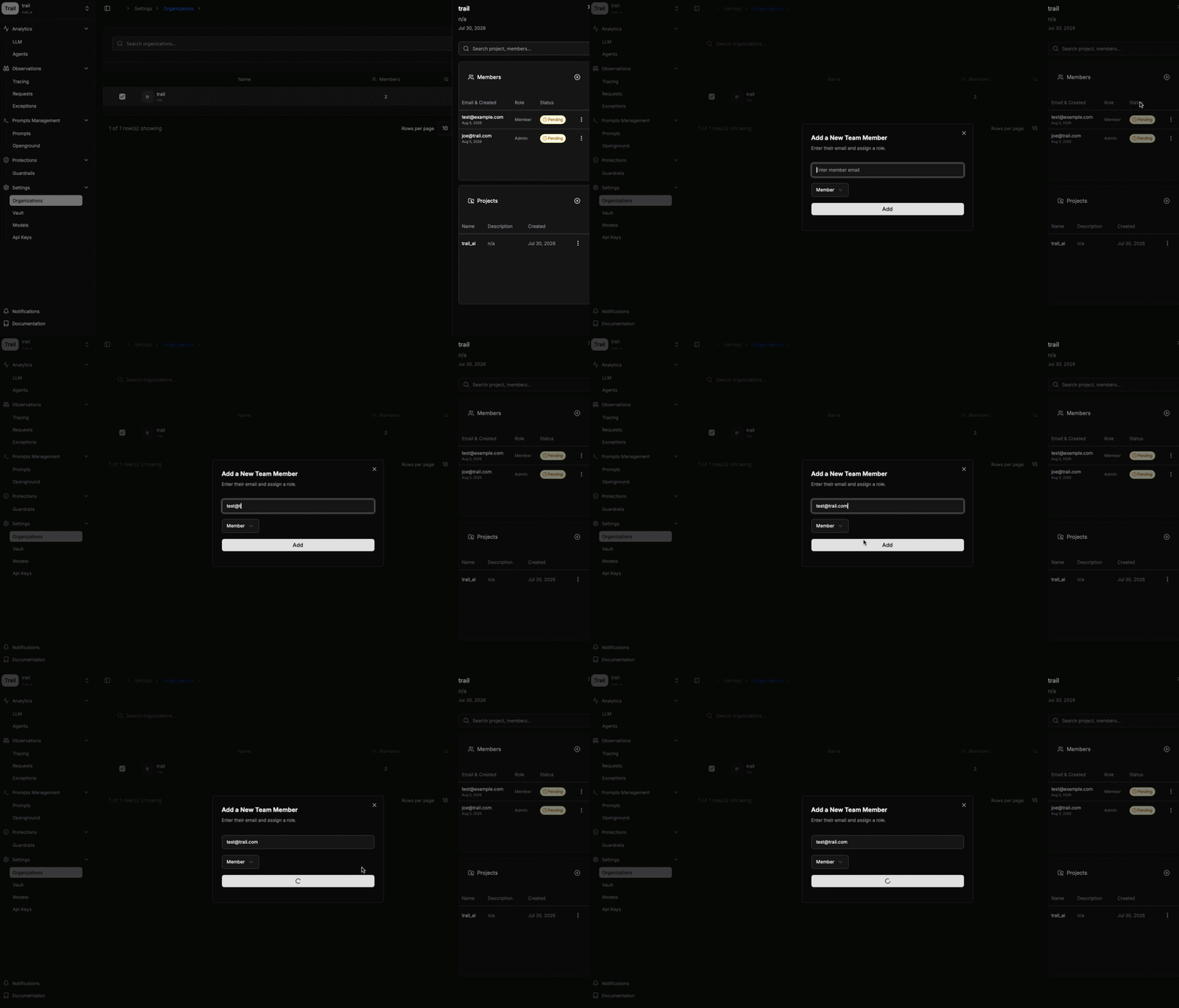
Inviting a member
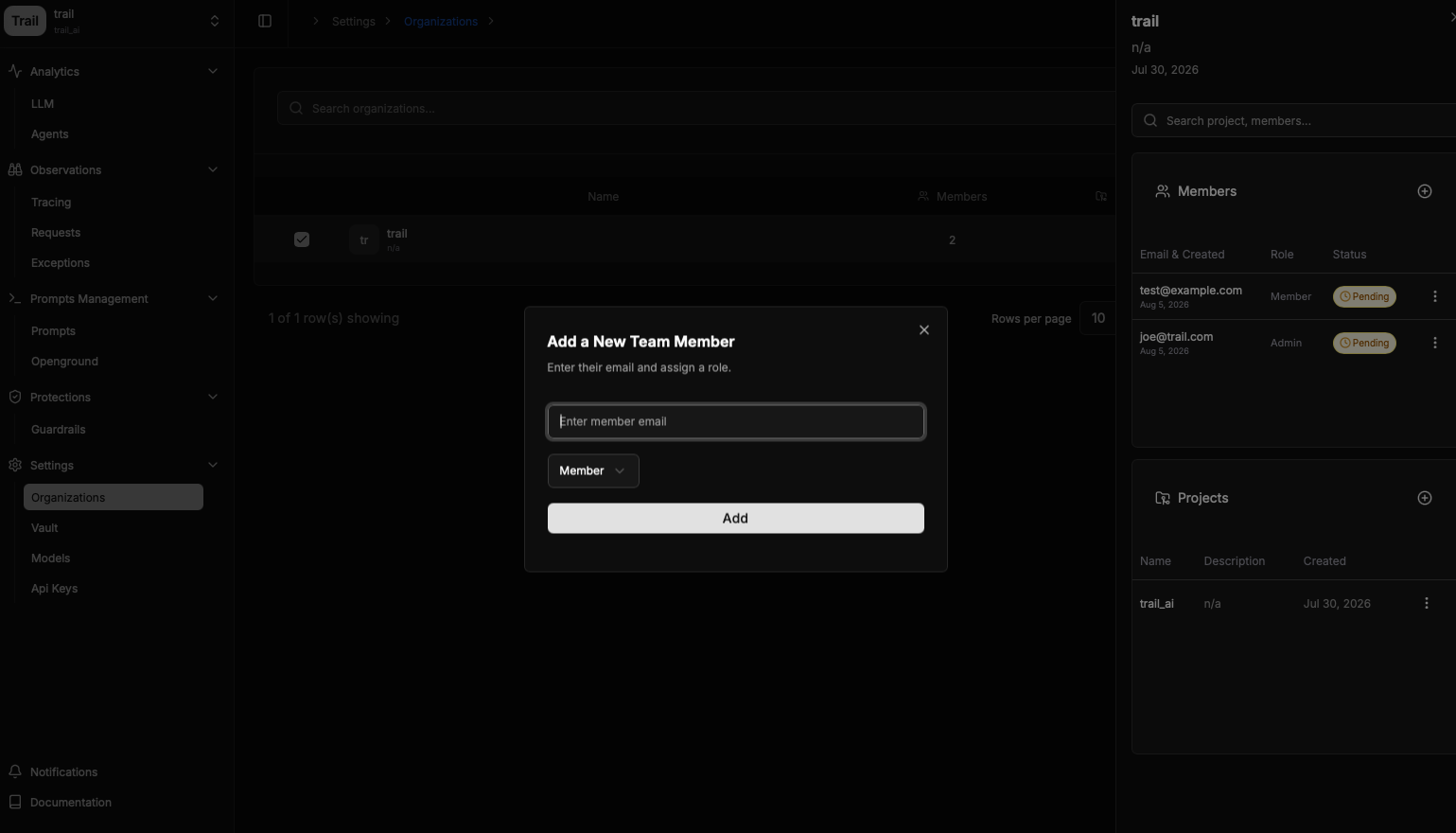
- Add Member.
- Enter their email.
- Choose a role from the dropdown — this is required.
- Send the invite. They receive an email; if they don't have a TrailAI account, they register first.
⚠️ Always pick a role from the dropdown rather than typing one. Submitting an unrecognised role value returns an "invalid role" error. Valid values are exactly
AdminandMember.
Roles
| Role | Can do |
|---|---|
| Admin | Everything: manage projects, invite and remove members, change roles, manage API keys, billing |
| Member | Use the platform within the projects they've been granted: read telemetry, manage prompts, guardrails, vault |
Three further roles exist internally — Super Admin, Client, and Sdk — which gate the server's three API namespaces. They are never assignable to a team member from the dashboard.
Grant Admin sparingly. Admins can delete projects and their data. Two or three per organization is plenty.
Changing a role
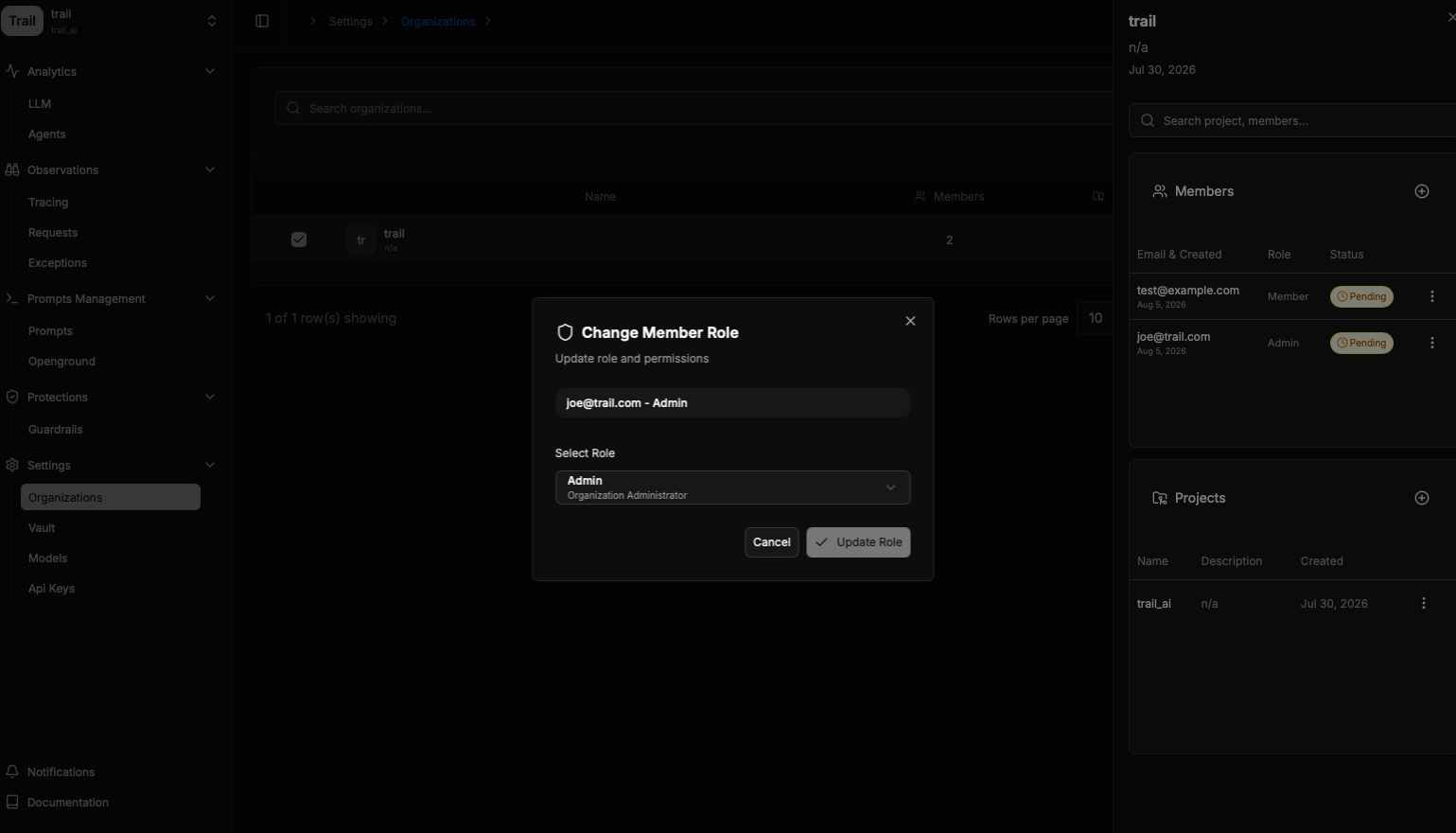
Change a member's role from their row. It takes effect immediately; they may need to refresh.
Project access
Beyond a role, each member is granted access to specific projects. A Member with access to
support-bot but not rag-service sees only the former in their project switcher.
Use this to keep sensitive projects — anything whose traces contain regulated data — visible only to the people who need them.
Removing a member
Removing revokes their access to the organization and all its projects immediately.
Before removing someone:
- Transfer organization ownership if they hold it.
- Reassign anything they own operationally.
- Rotate any API keys they had access to. Removing a member does not invalidate keys they may have copied — see API Keys.
Recommended setup
Small team, one product
Acme AI (organization)
├── Members: everyone (1–2 Admins, rest Members)
└── Projects:
    └── support-bot   ← environment field separates prod/staging/dev
Multiple products, shared team
Acme AI (organization)
├── Members: everyone; project access granted per product
└── Projects:
    ├── support-bot
    ├── rag-service
    └── internal-copilot
Agency or consultancy
Client A (organization)  ── Client A's team + your engineers
Client B (organization)  ── Client B's team + your engineers
Separate organizations give separate billing and hard data isolation.
Related
- API Keys — per-project credentials
- Core Concepts — the hierarchy explained
- Navigation — switching between projects